Blog

10 Signs Your Company Needs an ERP System
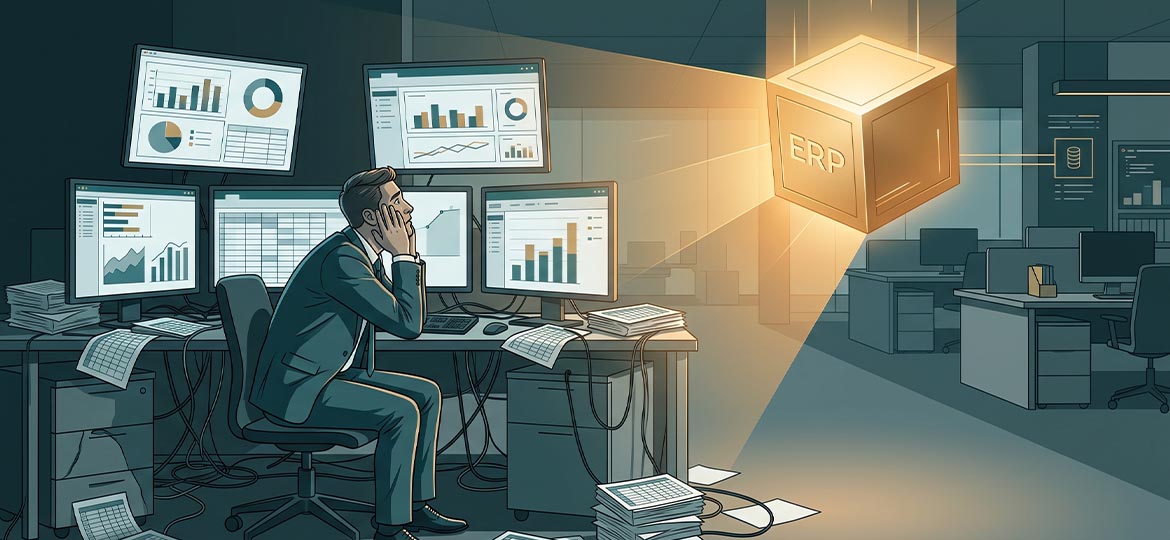
The team looks busy, yet reports are often late. Sales figures in finance differ from the warehouse, and every expansion plan puts more strain on the existing system. Many leaders go through this without realizing it. This article sums up ten signs a company needs an ERP, explains when an ERP is needed in practical terms, and when you should hold off.
In short, a company needs an ERP (Enterprise Resource Planning) when separate systems can no longer unify data across functions. Finance, sales, the warehouse, and operations run on their own, so data is inconsistent and decisions are delayed. An ERP integrates those core processes in a single centralized database as a trusted source of data.
For an understanding of the basic concept, there is a guide on the SAP system and its benefits. The next section goes straight to the symptoms that appear.
Ten Signs Your Company Already Needs an ERP
These signs rarely appear in isolation. Usually, symptoms spread across functions such as finance, the warehouse, sales, and planning, not just one problem. If three or more signs appear consistently, it points to a structural problem: the existing system is holding back growth rather than supporting it.
- Finance. The monthly close drags; the consolidated report is only ready weeks later.
- Cross-division data. The same figure differs between departments because each team holds its own copy (data silos).
- Warehouse operations. System stock often does not match physical stock; fast movers run out, slow movers pile up.
- Productivity. Work hours are spent copying data between applications and reconciling spreadsheets, not analyzing.
- Management. Decisions are made from last week’s reports, with no visibility into today’s conditions.
- Sales. Order fulfillment slows and delivery promises are missed because three functions do not see the same data.
- Cash flow. Payables and receivables slip out of view; invoices are collected late and cash flow projections become guesswork.
- Planning. Purchasing and production are set on hunches, not actual demand, ending in overstock or stockouts.
- Compliance. Tracing a single transaction requires reassembling many files; tax reporting is slow and error-prone.
- Scalability. Adding a branch or product line makes the system more unstable and drives up integration cost.
|
# |
Sign |
Area |
A symptom you can measure yourself |
|---|---|---|---|
|
1 |
Slow financial close |
Finance |
Consolidated report ready weeks after the period closes |
|
2 |
Figures don’t match across divisions |
Data |
≥2 divisions report different figures for the same KPI |
|
3 |
System stock ≠ physical |
Warehouse |
Recurring variance at each stock count; fast movers run out, slow movers pile up |
|
4 |
Manual reconciliation |
Productivity |
Routine work hours spent copying data between applications |
|
5 |
Decisions from stale data |
Management |
Meetings use last week’s reports |
|
6 |
Slow order fulfillment |
Sales |
Delivery promises missed; three functions don’t see the same data |
|
7 |
Payables/receivables out of view |
Cash |
Invoices collected late; cash flow becomes guesswork |
|
8 |
Hunch-based planning |
Planning |
Overstock or recurring stockouts |
|
9 |
Transaction trail hard to follow |
Compliance |
Tracing one transaction needs many files |
|
10 |
System fragile as it grows |
IT |
Adding a branch makes it fragile; integration cost rises |
Two signs are most often treated as normal even though they are costly: manual reconciliation, whose work hours never show up in the income statement, and slow order fulfillment, which quietly drives customers away.
When is the right time to switch to an ERP?
The main factor is not company size or revenue, but the combination of transaction volume, process complexity, and the number of users of the same data. In practical terms, if three or more signs appear consistently, it is time to assess the need for an ERP before the system truly can no longer support the business.
The critical point usually comes when business growth exceeds the system’s capacity. The cost of delay rarely shows up in the financial statements, but it is real in the form of reconciliation time, unused stock, and late decisions.
Readers who want to understand how an ERP system works, in particular how a single source of truth addresses the symptoms above, can study the mechanism further.
Signs You Don’t Need an ERP Yet (and What to Fix First)
Not every business that feels complex is ready for an ERP. Implementing an ERP on top of undocumented processes and messy master data only moves old problems into a new, more expensive system. A forced implementation generally fails because of internal unreadiness, not a lack of technology.
The data supports being careful. Panorama Consulting, in its 2026 ERP Report surveying 170 organizations, noted that more than a quarter of ERP projects exceed budget, often because of unanticipated additional technology needs. Internal readiness can reduce that risk.
Check these four things first before investing:
- Processes are undocumented. Workflows still “live in the heads” of a few people.
- Master data is dirty. Duplicate product codes and inconsistent vendor and customer names.
- The team is not committed to training. A new system demands a new way of working, not just a new application.
- Low volume and a single location. Tidy record-keeping in the existing tools is still adequate.
Finish the process documentation and master-data cleanup first. This step, though unglamorous, is decisive for the success of the implementation.
FAQ (Frequently Asked Questions)
What is the difference between an ERP and accounting software?
Accounting software records historical financial data, such as the general ledger and payables/receivables, in a single silo. An ERP integrates finance, sales, purchasing, and inventory in real time from a single centralized database, so one transaction automatically updates all related functions without re-entry. Accounting is one module within an ERP, not a replacement for it.
Is an ERP only for large companies?
No. The trigger is process complexity and transaction volume, not company size. There are ERPs for the midmarket such as SAP Business One, used by more than 83,000 customers in 170+ countries (SAP News, December 2025), and you can start with the core modules and add more as the business grows.
How many signs should appear before switching to an ERP?
You don’t need all ten. In practical terms, three persistent, consistent signs, especially the combination of cross-division data silos, a slow monthly close, and management reports that are always late, are enough to start assessing readiness and to consult.
Conclusion
Recognizing the signs that a company needs an ERP is the first step, while ensuring internal readiness is a crucial second step. Both need to be evaluated together before deciding on the scale of the system. As an SAP implementation partner across industries since 1998 and part of the Metrodata Group, Soltius supports companies in assessing readiness, choosing the right ERP scale, implementing the system, and supporting it after go-live.
To discuss readiness and ERP options such as SAP Business One for your company, visit soltius.co.id.
Other News